
YouTube can turn your podcast into something people watch and share. It also introduces a few extra jobs: framing, lighting, editing video, and making thumbnails that accurately explain the episode.
Begin with one camera and great audio. Add a second angle only when it helps your storytelling and editing.
In this guide
Choose a video-first format
Decide whether you will film a solo lesson, a guest interview, or a roundtable. For beginners, one static camera and clean audio can be enough. Keep the set uncluttered and frame the face with space above the head. For interviews, make sure viewers can see both speakers comfortably.
Plan each episode around one useful audience question. Instead of a vague title, use a specific promise such as 'How I planned my first five podcast interviews.' Make a short outline so the edit won't rely on a long string of unplanned tangents.

Do this next
Prioritize sound and light over extra cameras
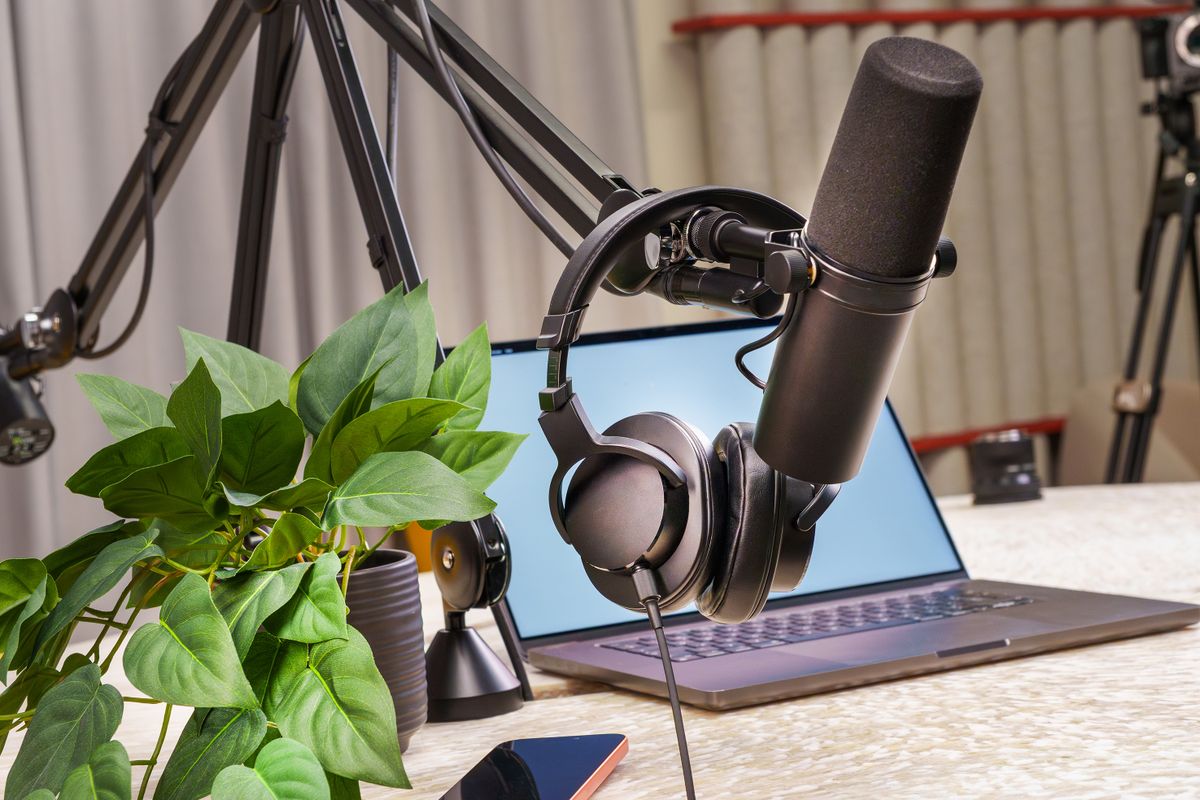
Put a microphone close to each speaker and listen through headphones. Good audio has more impact on a conversation than elaborate camera moves. Sit facing a window or use a soft LED light in front and to one side. Keep the background simple. Your phone can record compelling footage when it has enough light.
A professional camera such as the Sony A7 IV offers more control, lens choices and excellent hybrid features, but introduces batteries, storage, lenses, and exposure choices. Don't buy it merely because professional podcasts use similar equipment.
Do this next
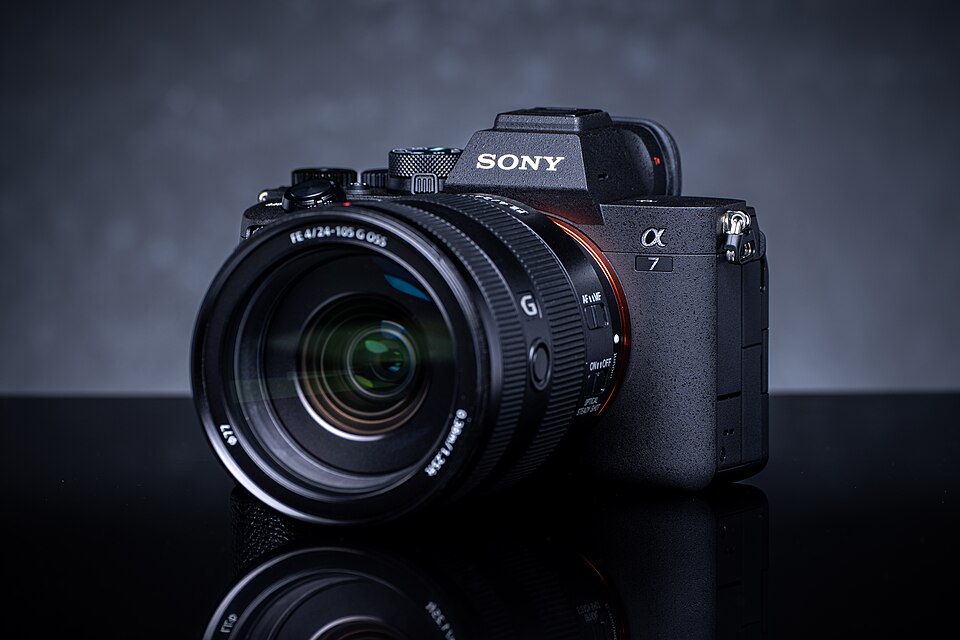 Exact model photographed · details on Amazon
Sony Alpha 7 IV Mirrorless Camera
33MP full-frame hybrid, 4K video and reliable eye autofocus.
High-end video podcast and content creation upgrade.View on Amazon Paid affiliate link • No live price shownGo deeper: Best Cameras for Podcasting: Sony A7 IV and Alternatives
Record and edit with a repeatable workflow
Record at a frame rate and resolution your computer can edit reliably. A well-lit 1080p image is better than a 4K file you cannot finish. Monitor the microphone, keep phones silent, and record a few seconds before you begin the actual episode.
After recording, sync audio if needed, remove dead air, and select a few camera cuts for emphasis rather than constant switching. Add accurate captions when possible and check that any music or other footage is licensed. Create at least two vertical clips from the final episode so your best moments can be shared elsewhere.
Do this next
Go deeper: The Complete Podcast Equipment Checklist
Publish as a YouTube podcast
Create a dedicated playlist for full episodes and use YouTube's current podcast designation features when available for your channel. The exact interface and eligibility rules can change, so check the latest YouTube Studio guidance. Use a descriptive title, clear thumbnail, chapters where useful, and a summary that matches what viewers actually hear.
Link to your other episodes and topic guides in the description. Avoid keyword stuffing. Track audience retention: if people leave early, the opening may be too slow. If a certain guest topic earns long view times, consider returning to the subject with a deeper episode.

Do this next
Now you've got a plan.
Begin with one camera and great audio. Add a second angle only when it helps your storytelling and editing.
Keep the setup simple, learn from the first recording, and follow the next guide that answers a problem you actually have. You don't need to buy everything on this page to publish your show.
See the 90-day planThis is independently written beginner guidance. Gear descriptions focus on product features and practical fit, not unverified testing or invented performance rankings. Product availability, bundles, and prices can change. Photos are real-world studio illustrations, not verified images of the exact recommended models.


