
You can spend almost nothing on a podcast or build a luxury studio. This checklist helps you see the difference between essential equipment, nice-to-have upgrades, and purchases that only make sense for specific formats.
Use the shopping grid below to compare the essentials and optional high-end upgrades without inventing current prices.
In this guide
The minimum audio kit
The essential job is capturing intelligible voice. Start with a recorder you own, such as a phone or laptop. Next, a dedicated USB dynamic microphone can provide more consistent placement and a direct signal. Headphones let you review each recording before publishing. A basic stand helps keep mic distance steady.
If you interview a second person in the same room, give them their own microphone. For remote calls, think about each person's recording environment and backup plan. Expensive studio furniture will not fix a quiet speaker who is too far from the mic.

Do this next
 Illustrative studio photo · see exact item on Amazon
Samson Q2U USB/XLR Microphone
Plug into a computer now; upgrade to an XLR mixer later.
Best first microphone if you want USB simplicity with room to grow.View on Amazon Paid affiliate link • No live price shownExtra gear for video podcasts
Video adds a stable camera position, enough continuous light, and sufficient storage. Your phone can cover the camera requirement at first. A soft LED light and a tripod may matter more than a professional camera body in a dark room. Make sure you have a place for the camera where everyone can still make eye contact.
The Sony A7 IV is a useful high-end hybrid option with a 33MP full-frame sensor, strong tracking AF and internal 4K options. It needs a suitable lens, battery or continuous power, recording media, and a stable mount. For a small YouTube show, compare it with compact creator cameras before buying.

Do this next
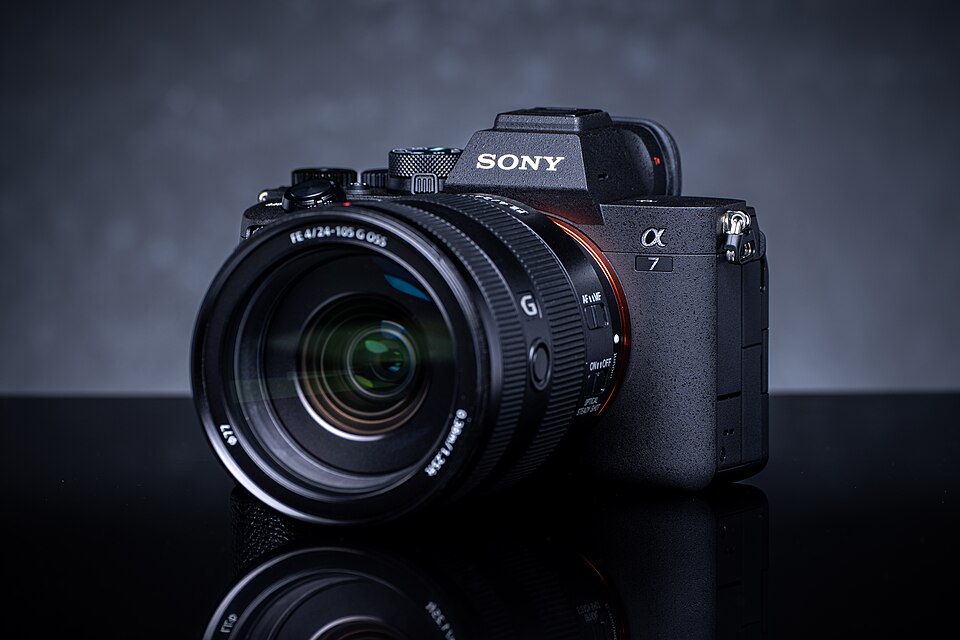 Exact model photographed · details on Amazon
Sony Alpha 7 IV Mirrorless Camera
33MP full-frame hybrid, 4K video and reliable eye autofocus.
High-end video podcast and content creation upgrade.View on Amazon Paid affiliate link • No live price shownGo deeper: Best Cameras for Podcasting: Sony A7 IV and Alternatives
Mixers, interfaces and cables
One USB mic can go directly into a laptop. An audio interface or podcast console becomes useful when you need several XLR inputs, separate tracks, sound pads, or routing to remote guests. RØDECaster products are popular because they combine multiple jobs in one interface, but beginners may not need all those controls.
Make a compatibility checklist before ordering: how many XLR inputs, what type of headphone outputs, whether extra headphone amplification is needed, and how the recording connects to your computer. Cheap missing cables can halt a recording session as surely as a broken microphone.
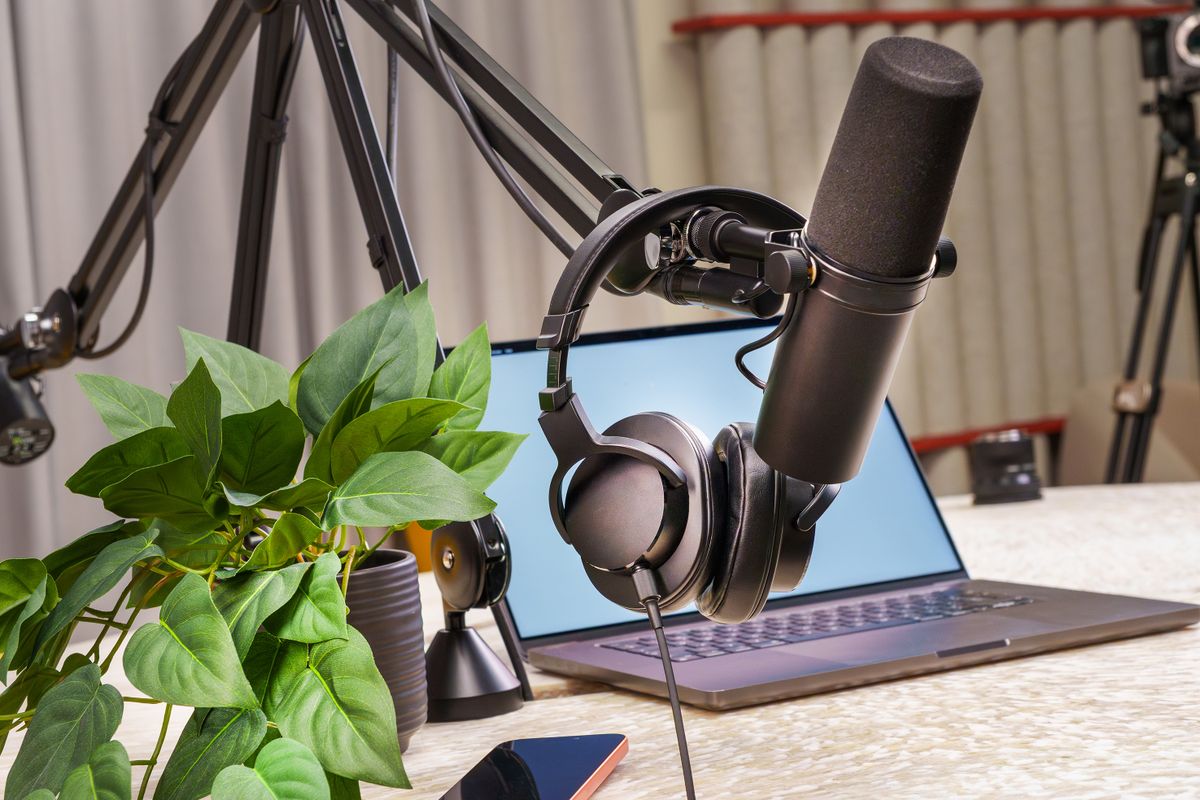
Do this next
 Illustrative studio photo · see exact item on Amazon
RØDECaster Pro II
Multichannel audio production console for guests, mixes and sound pads.
For multi-person shows that need dedicated inputs.View on Amazon Paid affiliate link • No live price shownFurniture, treatment and editing gear
A comfortable table, a quiet chair, a rug, and a few reflective-surface fixes are more useful than a decorative set on day one. Add acoustic treatment for echo; understand that sound absorption does not necessarily block outside noise. A workstation and backup drive help organize video projects, while audio-only shows may run happily on an ordinary computer.
Premium cameras, designer chairs, camera switchers, and dedicated monitors are upgrades for a proven workflow. Buy them in response to your real production requirements, not because a famous show uses them.

Do this next
Illustrative studio photo · see exact item on AmazonSamsung T9 Portable SSD
Portable storage for video project backups and audio files.
Always keep a second copy of precious recordings.View on Amazon Paid affiliate link • No live price shownNow you've got a plan.
Use the shopping grid below to compare the essentials and optional high-end upgrades without inventing current prices.
Keep the setup simple, learn from the first recording, and follow the next guide that answers a problem you actually have. You don't need to buy everything on this page to publish your show.
See the 90-day planThis is independently written beginner guidance. Gear descriptions focus on product features and practical fit, not unverified testing or invented performance rankings. Product availability, bundles, and prices can change. Photos are real-world studio illustrations, not verified images of the exact recommended models.


