
Your iPhone can serve as a simple podcast recorder, note-taking tool, camera, and publishing device. It makes a practical way to test an idea before buying equipment.
Record your pilot with the iPhone first. Let a real audio problem tell you which upgrade matters.
In this guide
Prepare the phone and room
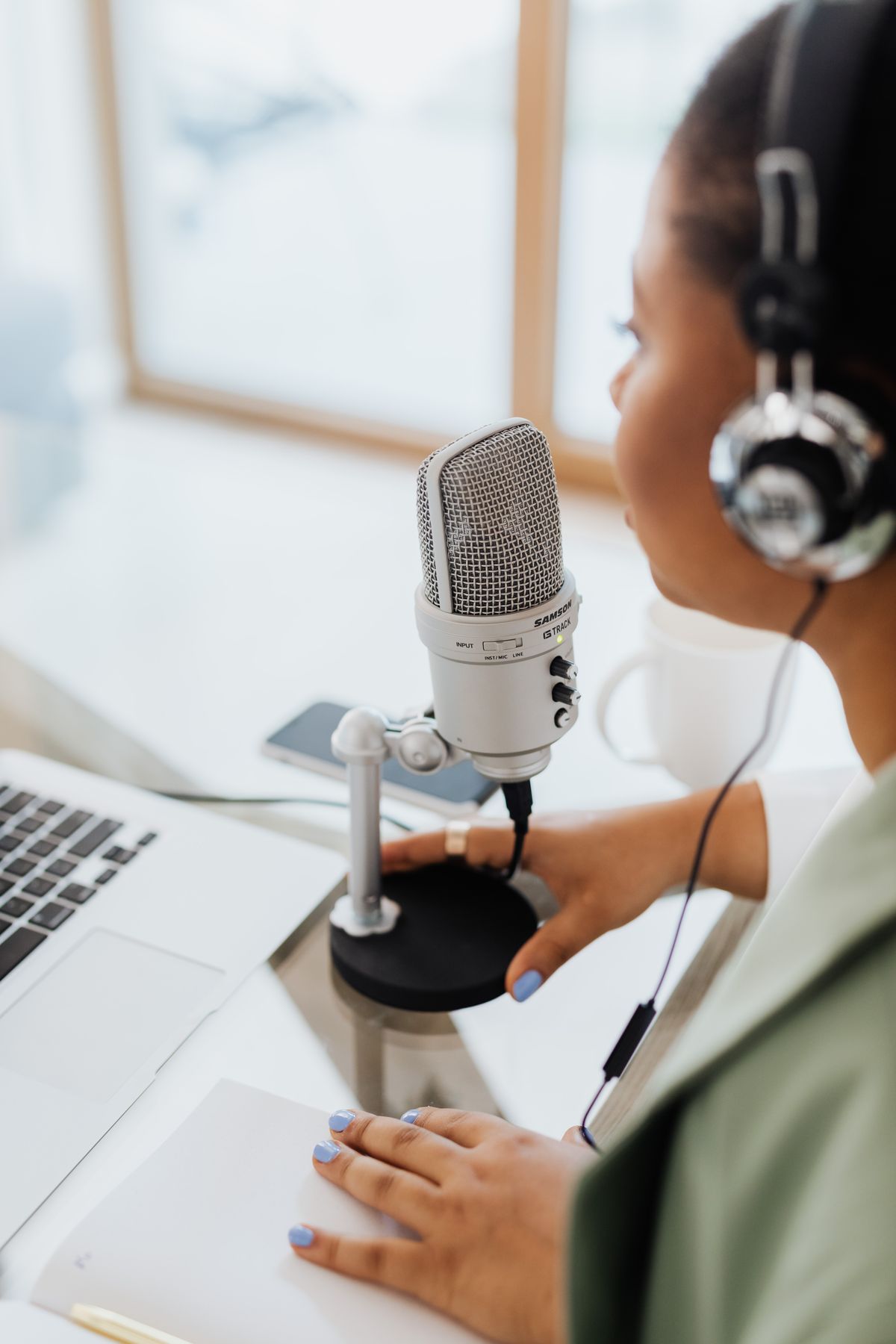
Charge the phone, free up storage, put it on a stable surface, and choose the quietest room you can access. Turn off unnecessary notifications. Open Voice Memos or another trusted recording app already on your device, and record a one-minute test at your intended distance.
Headphones help you spot low volume, echo, or pops. If your earbud microphone sounds better than the built-in mic, use it; if not, keep the simpler setup. Test before each guest call because phone microphone selection can change when accessories are connected.
Do this next
Record a structured first episode
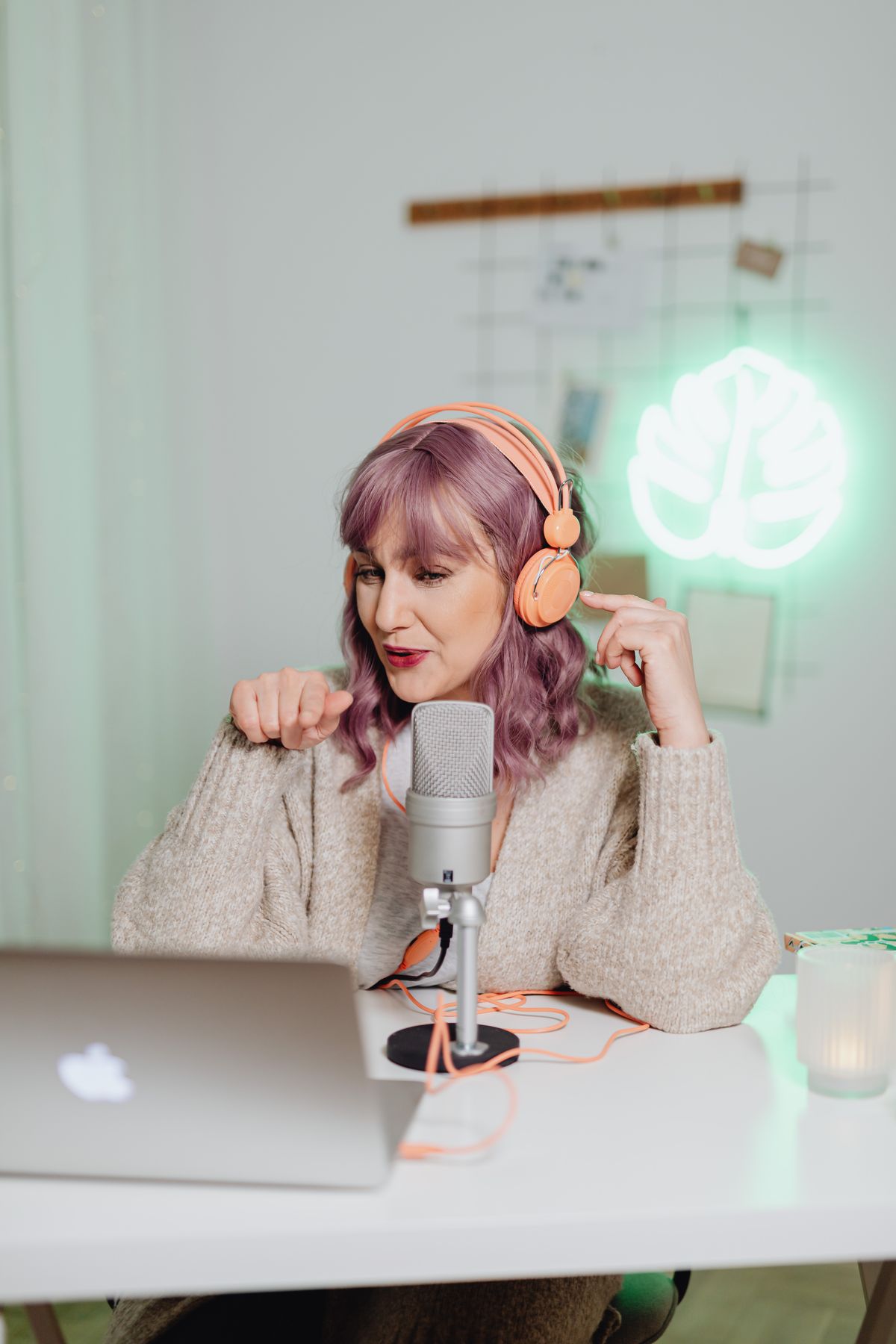
Open your outline on paper or another device if possible. Start with a friendly introduction and tell listeners what they will learn. Record in sections so mistakes are easier to fix. When you stumble, pause, take a breath, then repeat the idea; you can trim the awkward stretch later.
Avoid recording over a call without confirming both legal recording-consent requirements and the app's actual ability to capture the other voice. A guest can record a separate track on their own device and send it to you. This sometimes makes the audio easier to edit.
Do this next
Edit and export from the phone
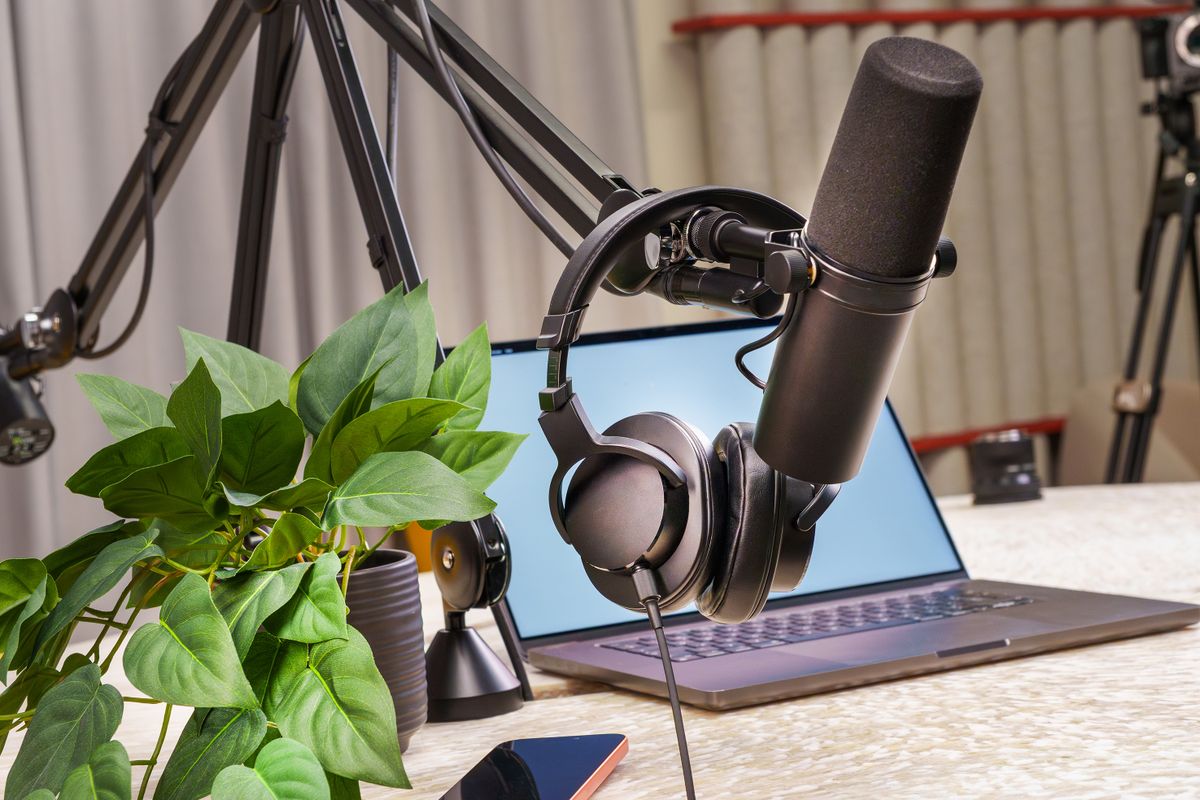
Depending on the device and installed apps, you can trim a memo directly, or move it into GarageBand or another editor that supports your format. Listen to the whole result and ensure that the first and final seconds are complete. If your host wants an MP3, export using a compatible editor or conversion workflow rather than assuming every recorder creates an MP3.
Keep the original recording in cloud storage or another backup location you control. Give the final file a clear name like ep-001-introduction. Include artwork and an honest episode description before publishing through your selected host.
Do this next
Decide when a separate microphone makes sense
Phone audio can be adequate for a quiet solo show. If noise, distance, or handling bumps are a recurring problem, a microphone designed for phone compatibility may help. Verify actual iPhone connector and app compatibility before purchasing; not every USB microphone works the same way with every phone.
If you plan to record from a laptop later, a USB/XLR mic provides more flexibility. Do not buy an adapter and microphone based on assumptions; check the seller's compatibility information first.
Do this next
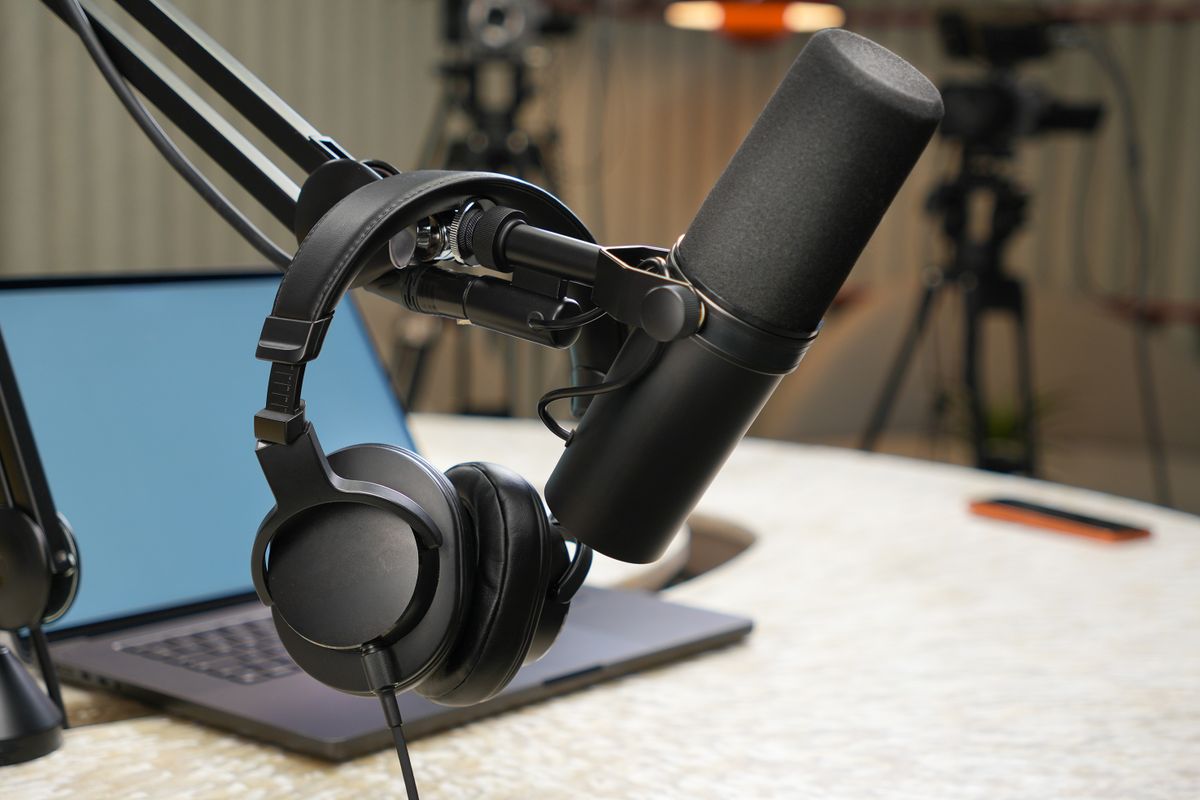
 Illustrative studio photo · see exact item on Amazon
Samson Q2U USB/XLR Microphone
Plug into a computer now; upgrade to an XLR mixer later.
Best first microphone if you want USB simplicity with room to grow.View on Amazon Paid affiliate link • No live price shownNow you've got a plan.
Record your pilot with the iPhone first. Let a real audio problem tell you which upgrade matters.
Keep the setup simple, learn from the first recording, and follow the next guide that answers a problem you actually have. You don't need to buy everything on this page to publish your show.
See the 90-day planThis is independently written beginner guidance. Gear descriptions focus on product features and practical fit, not unverified testing or invented performance rankings. Product availability, bundles, and prices can change. Photos are real-world studio illustrations, not verified images of the exact recommended models.


