
A free podcast does not need to sound cheap. If you have a phone, a quiet room, and something useful to talk about, you already own the most important pieces of your starter studio.
This walkthrough deliberately keeps spending at zero. It tells you what is truly free, where free services may have limits, and which upgrades are optional rather than essential. Some services change their free plans, so always verify current terms before uploading your entire show.
The cheapest winning formula is simple: a useful topic, your existing device, a quiet room, free editing software, and a repeatable publishing rhythm. You can own the habit before you own the studio.
In this guide
Start with a clear idea — costs $0
Forget the urge to design a complicated logo or buy a domain before your first recording. Begin by identifying one kind of person you want to help. What do they ask all the time? Which problems can you explain through your own experience or careful research? List ten practical episode questions, and choose the one that would be easiest to answer in an honest conversation.
Give the show a working title, even if it changes later. Write a short description that names the listener and the benefit: 'A weekly podcast helping beginners build their first vegetable garden without expensive supplies' is more useful than 'Everything About Plants.' Check Apple Podcasts and Spotify for confusingly similar titles. Ask a friend whether the name makes sense without an explanation.
Do this next
Go deeper: How to Start a Podcast: The Complete Beginner Guide
Choose a quiet place instead of buying soundproofing
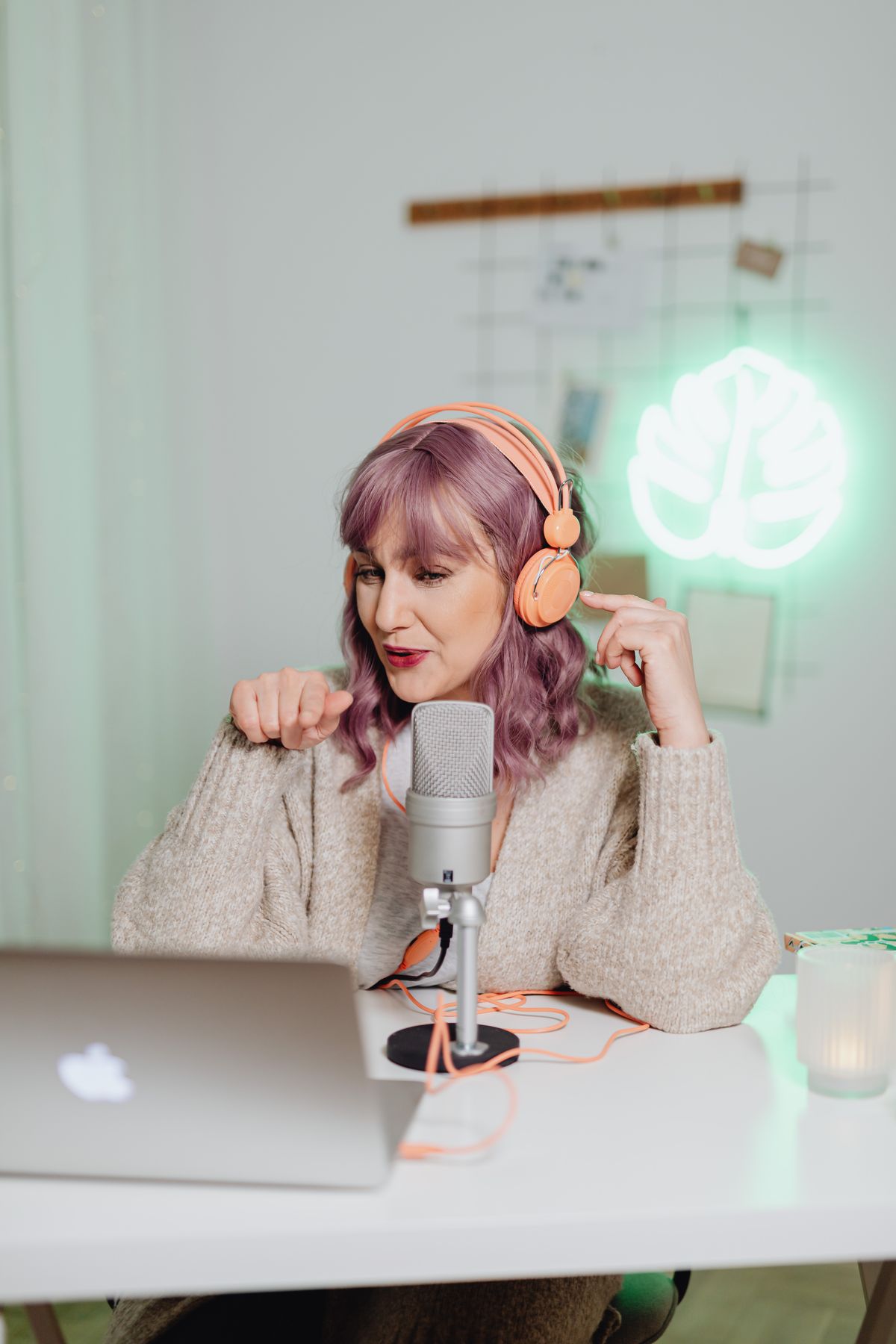
You do not need a professional studio. Record in a bedroom, a small office, or even a parked, safely ventilated space if you need to escape street noise. Choose a time when the household is quiet. Soft furnishings make a difference: curtains, rugs, bookshelves, and clothing absorb or scatter some reflections. Try several spots with the phone and keep the best-sounding one.
Put the phone in airplane mode if you are recording locally and do not need data. Avoid placing it on a rattling table or beside a humming appliance. A simple test helps: record yourself saying a few sentences in each location, then play them back through headphones. Pick the one with the least echo and the clearest words rather than the one with the prettiest backdrop.
Do this next
Use your existing phone or computer
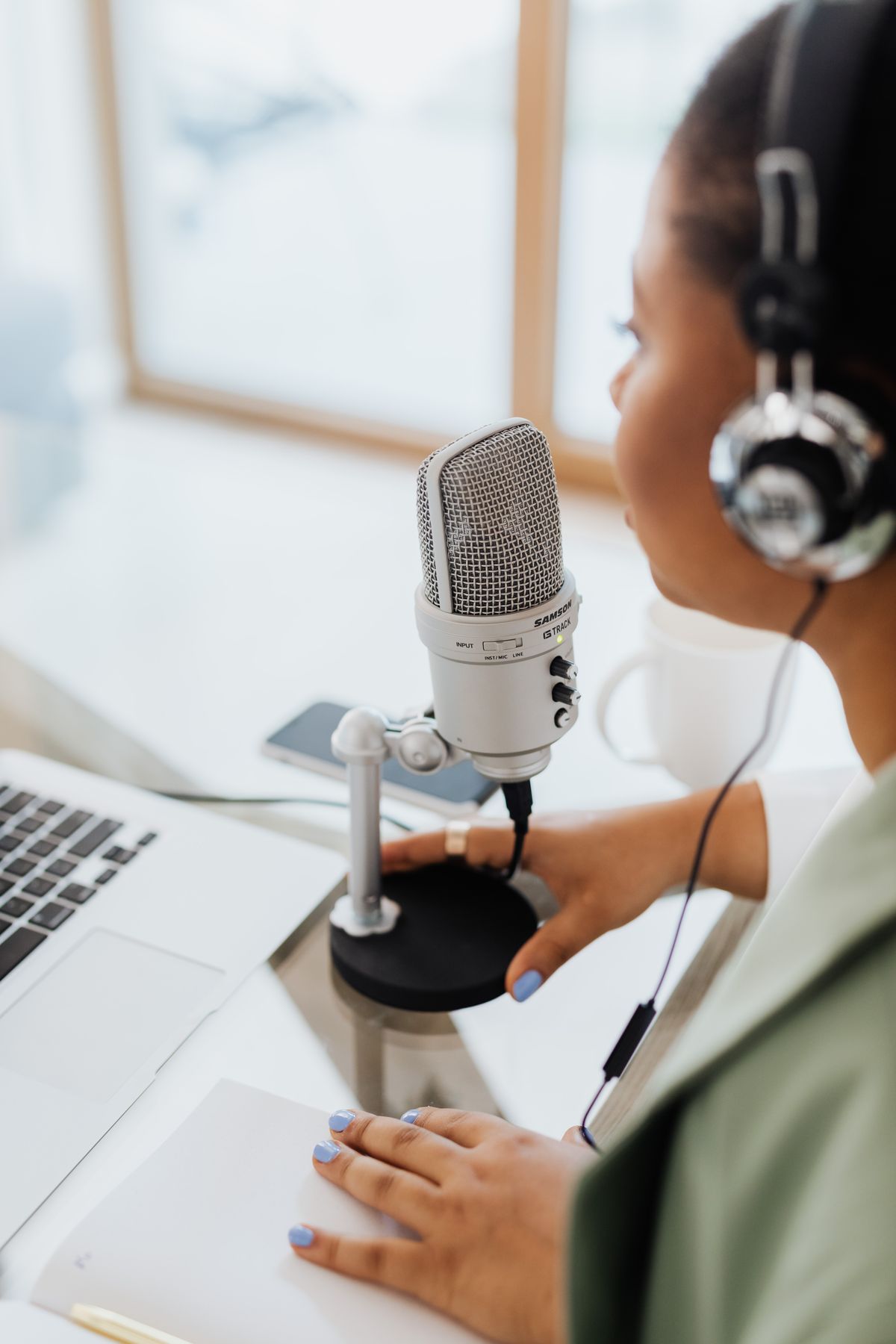
Most recent phones have built-in voice recording. On iPhone, the Voice Memos app can capture a solo episode. On Android, use the built-in recorder supported by your device or another reputable recording app. On a computer, Audacity is free and well suited to editing recorded dialogue. Use what you already own before deciding whether you need a microphone.
Keep the mic near your mouth at a consistent distance and speak naturally. If you have a wired headset, test whether its microphone is clearer than the phone itself; don't assume it is. For interviews, consider recording guests locally on their devices and exchanging audio files afterward so each person has a clearer track. Ask permission before recording a guest and follow any applicable recording-consent laws.
Do this next
Go deeper: How to Start a Podcast on iPhone
Edit your first episode with free software
Editing is easier when the conversation starts with a basic outline. Remove a distracting opening mistake, long dead air, background bumps, and anything that misleads listeners. Avoid spending hours removing every filler word. On Mac or iPhone, GarageBand may already be available. Audacity is a common free choice for Windows, Mac, and Linux. On capable machines, the free version of DaVinci Resolve can handle video editing.
When you finish, export an MP3 for audio-only podcast distribution if your host recommends it, and keep the original project and recordings. Many beginner guides suggest paying for elaborate AI cleanup tools immediately. You can try them later, but the first goal is a clear recording and a repeatable workflow that costs nothing.
Do this next
Make cover art and episode notes without paying
Create simple square cover art with large, legible text. A free design tool or basic photo editor is enough. Avoid using someone else's photo or podcast cover without permission. Use your own photo, a properly licensed image, or a simple graphic background. Check your host's artwork specifications before exporting.
Then write a short episode description: a compelling sentence, three things listeners will learn, any resources mentioned, and a friendly next step. Make that description original rather than pasting generic text into every episode. Search engines and podcast listeners both benefit from direct language. Build an index of episode notes in a free document while you test whether a full website is worthwhile.
Do this next
Go deeper: How to Start a Podcast Business
Find genuinely free hosting and publishing options
A podcast host makes your audio available via an RSS feed. Several services offer free publishing or starter plans, but the details vary: monthly upload allowances, audio retention, branding, distribution, and eligibility can change. Spotify for Creators is one option to investigate, and Apple Podcasts provides directory distribution rather than necessarily hosting your audio files. Compare current provider rules before committing.
Ask practical questions: Can you export the RSS feed? Will old episodes remain accessible? Are you giving up any rights? Does the free plan insert branding or ads? Can you eventually move to another host? A forever-free promise is not useful if your files become hard to move. If you later subscribe to Buzzsprout, Captivate, or Transistor, those are separate choices with their own costs and affiliate programs.
Do this next
Go deeper: The Complete Podcast Equipment Checklist
Launch one episode — then listen to the result
Your first episode could be a short introduction that explains the show, who it helps, and what to expect. That is enough to learn the entire publishing process. Listen to the published episode on more than one device. Make a note of anything difficult to hear, confusing in the structure, or missing from the show notes.
Do not spend your first week debating expensive gear. Spend it learning where files go, how edits work, how hosting works, and what your first audience asks. If you can publish one clear episode for free, you have proven the process. From there, buy only something that solves a specific problem.

Do this next
Know when an upgrade is worth it
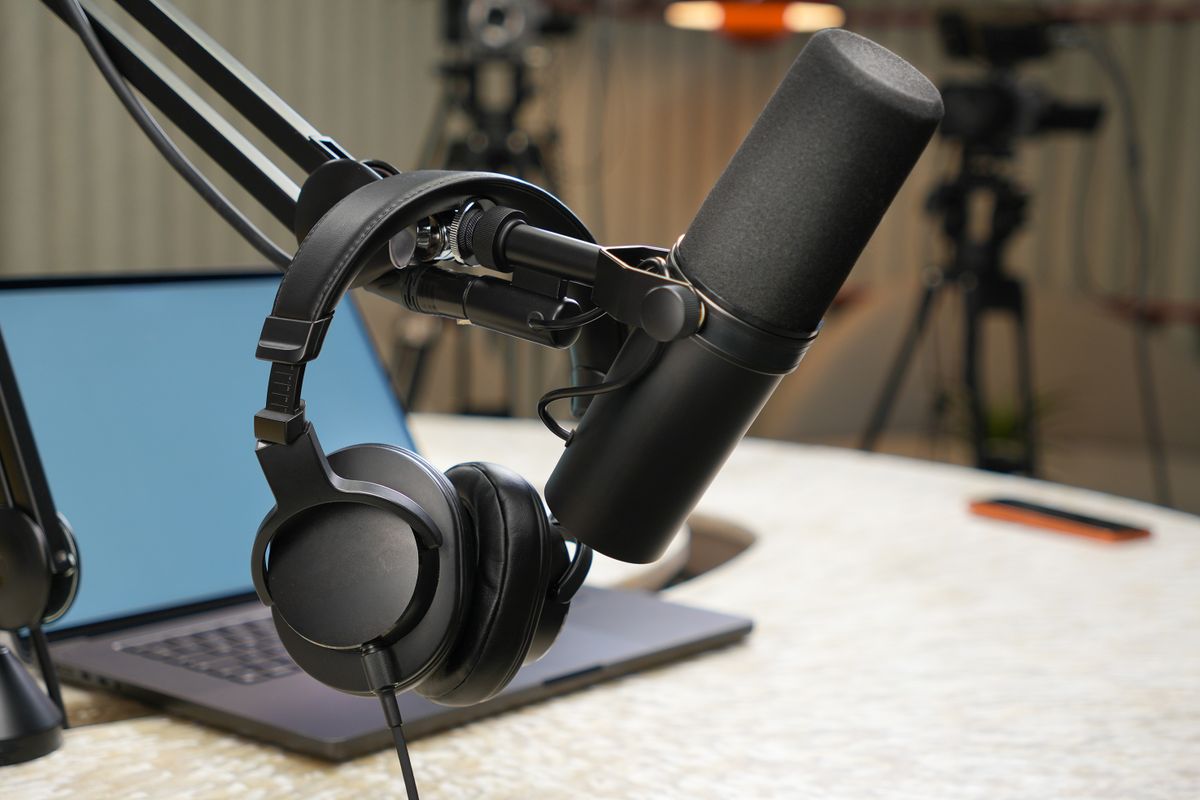
A dedicated dynamic microphone is often the first worthwhile purchase when recording becomes a habit. The Samson Q2U and Audio-Technica ATR2100x-USB are useful because they offer both USB and XLR options. A microphone on an arm can reduce desk bumps; closed-back headphones help you hear mistakes. If you plan to film, a simple light may improve your smartphone image more than buying a high-end camera.
But none of those purchases are a requirement to get started. Take a few weeks to identify the specific weakness in your recordings. Does the sound echo? Change the room first. Is the voice distant? Improve mic placement. Does the camera struggle in low light? Try better lighting. When the equipment truly helps, choose the smallest effective upgrade.
Do this next
 Illustrative studio photo · see exact item on Amazon
Samson Q2U USB/XLR Microphone
Plug into a computer now; upgrade to an XLR mixer later.
Best first microphone if you want USB simplicity with room to grow.View on Amazon Paid affiliate link • No live price shownGo deeper: Best Podcast Microphones for Beginners
Now you've got a plan.
The cheapest winning formula is simple: a useful topic, your existing device, a quiet room, free editing software, and a repeatable publishing rhythm. You can own the habit before you own the studio.
Keep the setup simple, learn from the first recording, and follow the next guide that answers a problem you actually have. You don't need to buy everything on this page to publish your show.
See the 90-day planThis is independently written beginner guidance. Gear descriptions focus on product features and practical fit, not unverified testing or invented performance rankings. Product availability, bundles, and prices can change. Photos are real-world studio illustrations, not verified images of the exact recommended models.


