You do not need a broadcasting degree, a celebrity guest, or a wall full of expensive microphones to start a podcast. You need an idea that helps someone, a way to capture your voice clearly, and a routine you can repeat.
This guide covers all ten decisions in the right order. We will start with the show itself, then move to gear, recording, editing, publishing, growing an audience, and eventually earning money. You can follow it with nothing but your phone and a quiet room.
The goal isn't to imitate a famous studio on day one. It's to publish a useful first episode. If you already have equipment, great. If you don't, the free route works too.
Your first show can start with what you have. Choose one listener, record one useful idea, make it understandable, publish it, and repeat. The studio can grow with the audience.
In this guide
1. Pick a topic people care about
A good podcast answers a question, offers a feeling, or gives listeners a reason to come back. Start with a topic you can talk about for months, not only one episode. If you know real estate, local business, parenting, music, cars or personal finance through actual experience, those may be more sustainable than chasing whatever is popular this week.
Narrow your idea by writing down who you are speaking to and what they will get. “A show about money” is broad; “money decisions for first-time small-business owners” gives listeners a clearer reason to subscribe. Talk to three potential listeners or read relevant questions in forums. Make a list of ten episode ideas. If you struggle to create ten, the idea may need adjusting.
Do this next
2. Give the show a memorable name
Pick a title people can say, spell, and remember. Most names fit one of three approaches: the host's name, a clear description of the subject, or a distinctive phrase that becomes meaningful through the show. For a new creator with no existing audience, clarity is usually your friend.
Check podcast directories and web search for existing shows with similar names. Avoid confusing listeners with another person's brand. Say the name aloud in a short introduction, then make a simple square cover. A clear title, readable type, and a strong color combination can work without paying a designer. Don't copy famous podcast artwork; use their approaches as inspiration.
Do this next
Go deeper: How to Start a Podcast Business
3. Decide how each episode will work
Will you teach on your own, interview guests, talk with a co-host, or tell researched stories? Solo episodes are easier to schedule and control. Interviews can bring new perspectives and audience-sharing opportunities, but they demand guest booking, release agreements when applicable, and more coordination.
Pick a realistic length based on the subject, not an arbitrary formula. For many beginner shows, 15 to 40 focused minutes is easier to produce than a sprawling conversation. Outline your standard episode: an interesting opening, the problem or story, two to four meaningful sections, a useful takeaway, and a simple next step. The format should make recording easier every time.
Do this next
Go deeper: How to Start a Podcast on YouTube
4. Set up a quiet recording spot
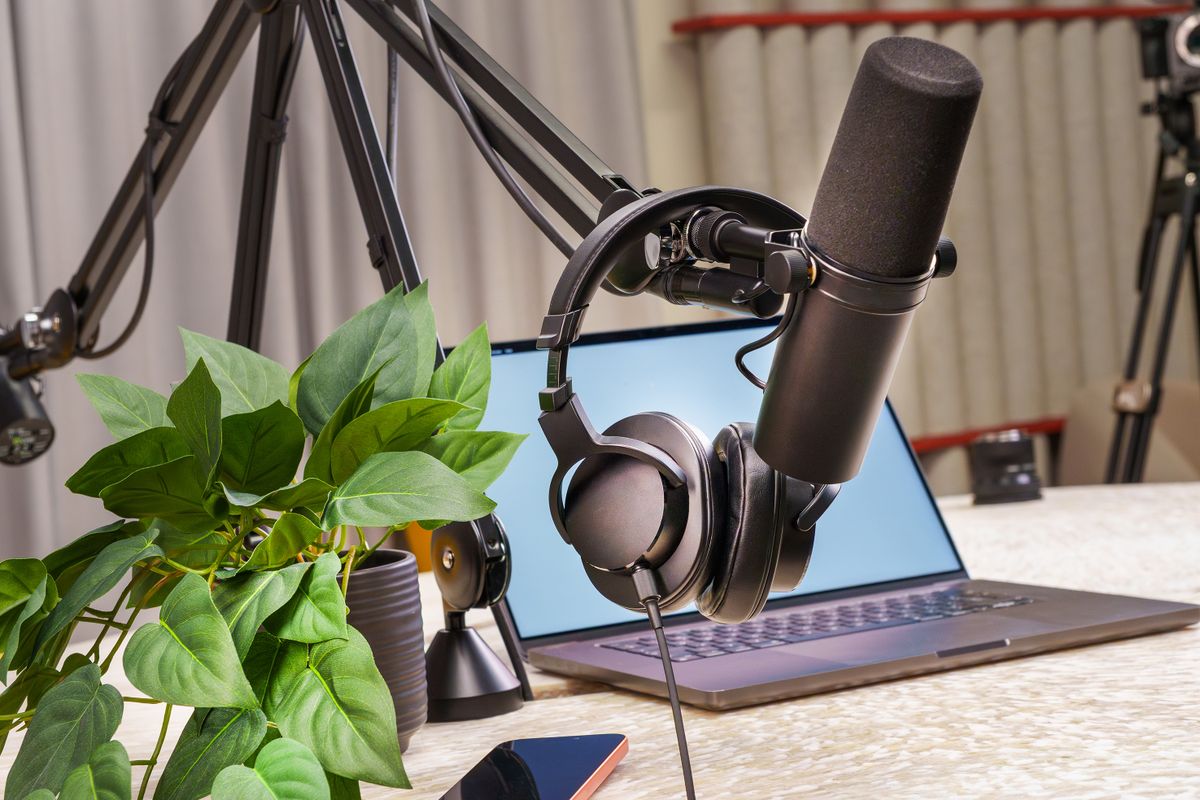
Your recording room matters almost as much as your microphone. Hard walls, empty floors, fans, refrigerators, road noise, and room echoes can make expensive gear sound disappointing. First, test your voice in the location where you intend to record. Listen through headphones, rather than judging only from your laptop speakers.
To improve a room at low cost, close windows, turn off loud appliances when safe, add a thick curtain, hang soft blankets, and put a rug on hard flooring. Do not assume inexpensive foam squares will block outside noise; acoustic treatment mostly controls reflections inside the room. Recording at a quiet time of day is often the cheapest upgrade available.

Do this next
 Illustrative studio photo · see exact item on Amazon
Broadband Acoustic Panels
Reduce room reflections and overly live voice recordings.
Useful when your room sounds echoey.View on Amazon Paid affiliate link • No live price shown5. Get only the equipment you need
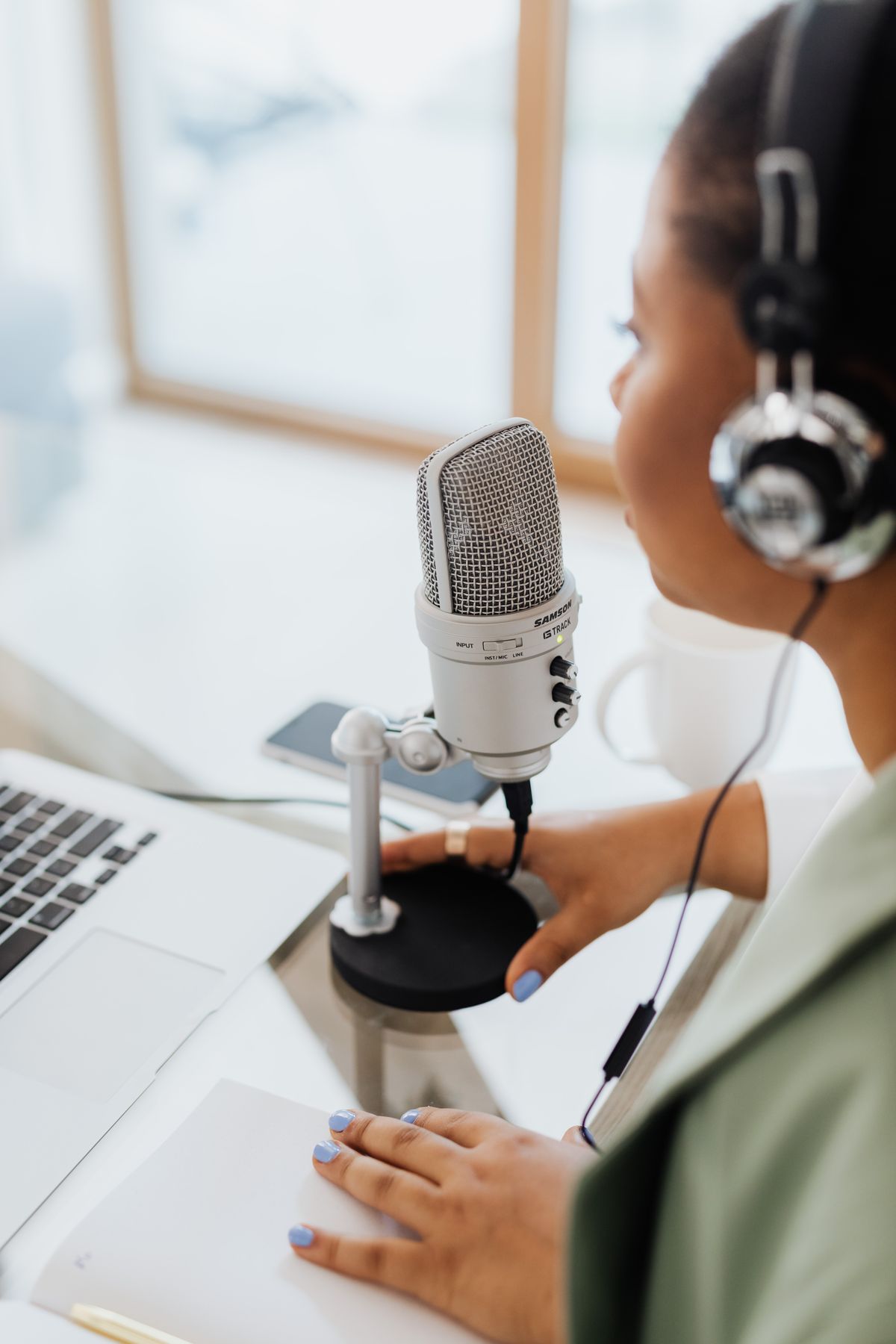
You can record your first episode with your phone, wired earbuds, and a quiet space. If you want a dedicated microphone, a dynamic USB model such as the Samson Q2U is a sensible first purchase because it is straightforward to use and has an XLR upgrade path. Add headphones so you can hear problems while recording. Skip the expensive mixer, lights, and designer chairs until your publishing habit is established.
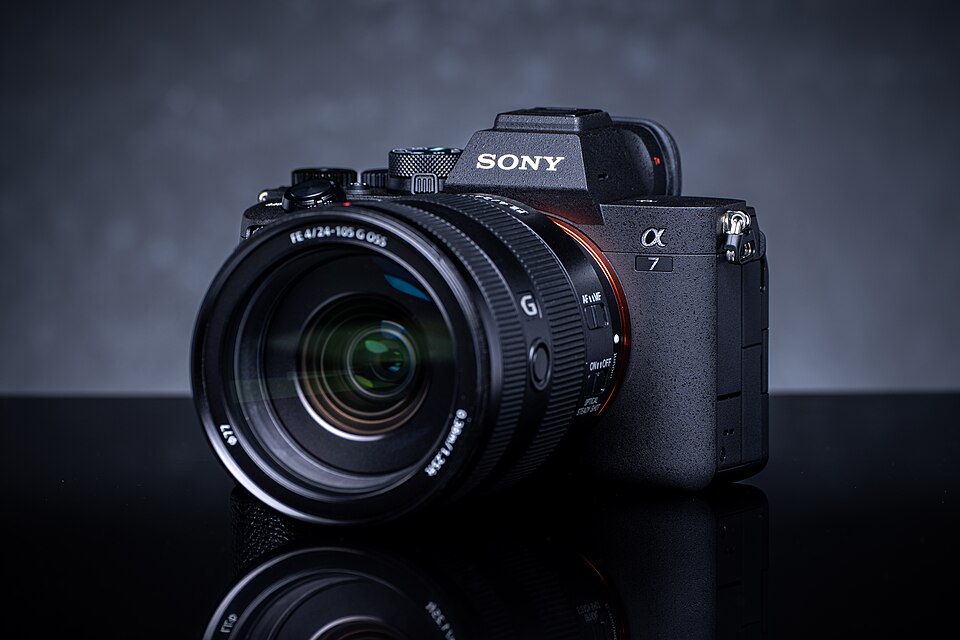
For two in-person speakers, aim for one microphone per person rather than passing one mic back and forth. If you buy XLR microphones, check that your interface or recorder has enough inputs. For video, a current smartphone is sufficient to learn framing and lighting. The Sony Alpha 7 IV makes sense if you also need serious still photography, interchangeable lenses, or more camera controls.

Do this next
Illustrative studio photo · see exact item on AmazonSamson Q2U USB/XLR Microphone
Plug into a computer now; upgrade to an XLR mixer later.
Best first microphone if you want USB simplicity with room to grow.View on Amazon Paid affiliate link • No live price shownGo deeper: The Complete Podcast Equipment Checklist
6. Make a plan and record the pilot
Write a short outline rather than a perfect speech. Begin by telling listeners what the episode will help them do. If interviewing someone, prepare open-ended questions and a few follow-ups, but listen instead of marching mechanically through a script. Offer water, silence notifications, and explain to guests how the recording will be used.
Do a sound check before the real conversation. Listen for harsh distortion, buzzing cables, and loud plosive pops when you say words that start with P or B. Record a short stretch and play it back. Save the file with a consistent name, such as episode-001-recording.wav, and create a backup copy before editing. A slightly awkward first episode is normal; publishing teaches you more than endlessly rehearsing.

Do this next
7. Edit for clarity, not perfection
Editing means helping your listener follow the conversation. Trim long pauses, remove obvious interruptions, and cut the moments that don't serve the topic. Leave natural breathing room; an episode with every breath removed can sound strange. Start by balancing the loudness between speakers, then apply gentle noise reduction or equalization if needed.
Audacity is a free audio option for computers; GarageBand is another route for people who already have a compatible Apple device. If you shoot video, DaVinci Resolve has a free edition for capable computers. Transcript-based tools like Descript can speed up spoken-word editing, but you don't need a paid subscription to learn. Export a finished file and listen to it completely before publishing.
Do this next
 Illustrative studio photo · see exact item on Amazon
Audio-Technica ATH-M50x Headphones
Closed-back monitoring for recording and editing dialogue.
Hear pops and noise before they ruin an episode.View on Amazon Paid affiliate link • No live price shown8. Choose hosting and publish
Your podcast host stores audio files and creates the RSS feed that podcast apps use to find your show. The host does not have to be expensive. Look for a service with a clear free tier or trial, a reasonable storage policy, an RSS feed you control, and simple publishing tools. Read its current terms before choosing it, especially if you hope to move hosts later.
You will need your show's title, description, cover art, category, author information, and at least one episode or trailer. Submit the RSS feed to Apple Podcasts, Spotify, and any other directories that match your audience. Not every platform publishes immediately. When your show is live, test the episode on a phone and verify that the title, artwork, and description appear correctly.
Do this next
9. Promote each episode more than once
Publishing is the start of promotion, not the finish line. Write a useful episode title that promises a specific answer. Put a thoughtful description on the page, add chapter markers for longer videos, and create short clips that start with an interesting question or insight. If you interviewed a guest, share a ready-to-post highlight with them.
Build a small website or article archive around the same problems your audience searches for. One episode can become an article, a helpful social post, two vertical clips, a newsletter note, and a short quote graphic. Answer listener questions as you see them. Consistent, helpful distribution is better than posting the same sales pitch everywhere.

Do this next
Go deeper: How to Start a Podcast on YouTube
10. Grow slowly and monetize honestly
Most new podcasts do not pay their bills immediately. That doesn't mean the work has no value; it means audience trust comes before monetization. After you have published enough useful episodes, look for relevant ways to help listeners further: a product you actually understand, a service you provide, a useful affiliate recommendation, or eventually a carefully chosen sponsor.
Affiliate income works best when the product naturally solves the listener's problem. A podcast equipment review can link to a microphone; an article about publishing can explain hosting choices. Disclose any relationship clearly. Track what readers click, improve articles based on real questions, and avoid pretending an expensive product is necessary. Make a repeatable weekly process instead of chasing an overnight jackpot.

Do this next
Go deeper: How to Start a Podcast and Make Money (Realistic Ways)
Now you've got a plan.
Your first show can start with what you have. Choose one listener, record one useful idea, make it understandable, publish it, and repeat. The studio can grow with the audience.
Keep the setup simple, learn from the first recording, and follow the next guide that answers a problem you actually have. You don't need to buy everything on this page to publish your show.
See the 90-day planThis is independently written beginner guidance. Gear descriptions focus on product features and practical fit, not unverified testing or invented performance rankings. Product availability, bundles, and prices can change. Photos are real-world studio illustrations, not verified images of the exact recommended models.