 Photo:
15-SECOND PREVIEWINTERVIEW STYLE
The Joe Rogan Experience
Conversation with John Cena · PowerfulJRE channel
Notice how a natural greeting and a relaxed table arrangement make the guest feel part of the conversation.
Watch original episode on YouTubeA friendly, photo-filled guide to launching your own show—without fancy equipment, confusing advice, or a big budget.

 YOUR STUDIO CAN START HERE.
The whole process, in the right order. Select a step below to open the complete walkthrough.
Choose one clear audience and topic.
Learn this step 02Make it memorable, searchable and easy to say.
Learn this step 03Solo show, interviews, co-host or storytelling.
Learn this step 04Fix distracting echo before buying expensive gear.
Learn this step 05Start with your phone or one flexible USB mic.
Learn this step 06Follow an outline; save a backup.
Learn this step 07Cut distractions and keep the story moving.
Learn this step 08Create an RSS feed and distribute your show.
Learn this step 09Use clips, useful articles and guest sharing.
Learn this step 10Build trust, then test relevant offers.
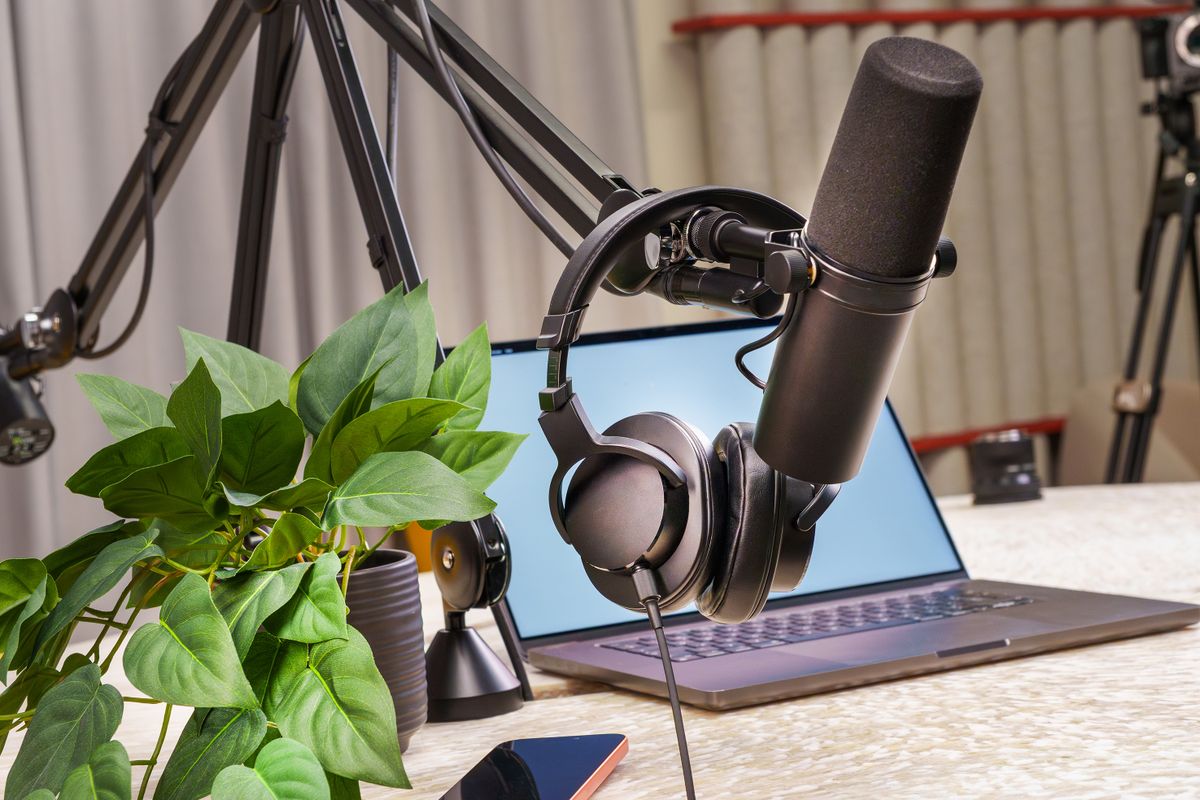
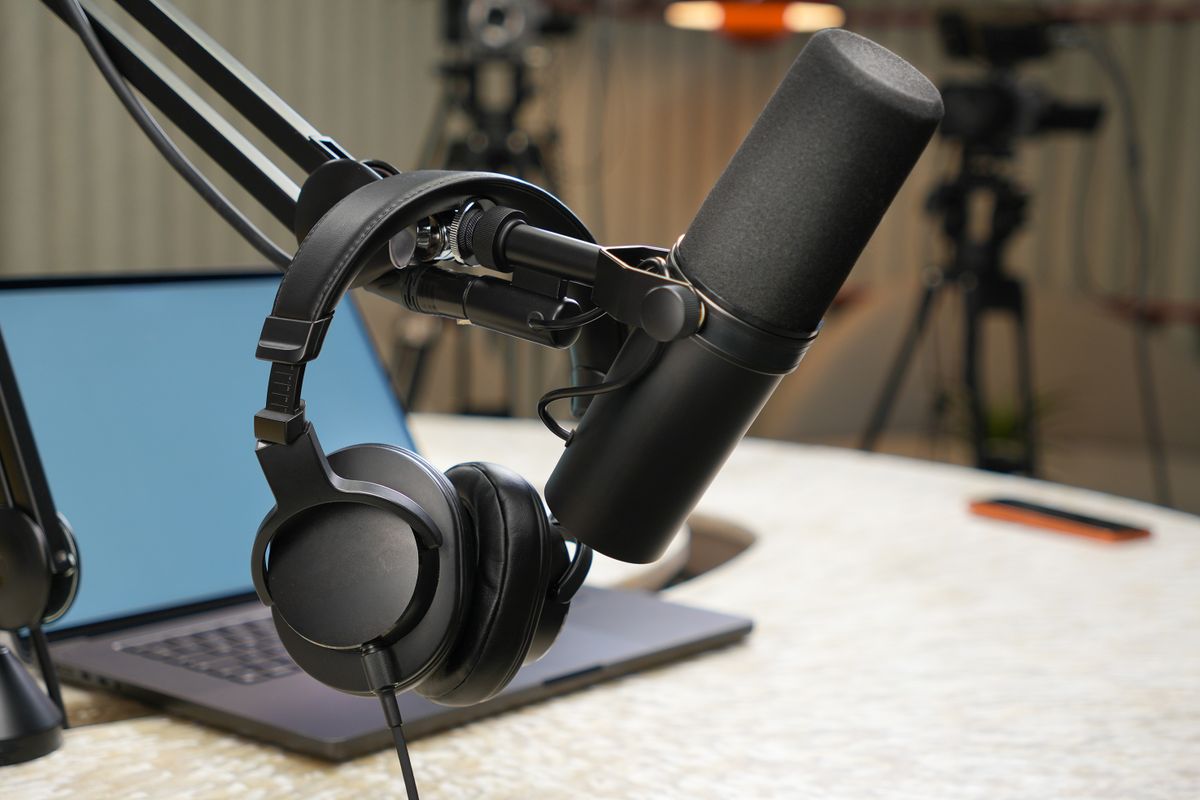
Learn this stepReal-world studios come in all sizes. Notice the microphone placement, acoustic treatment, laptops, camera angles and comfortable seating.



Absolutely. Start with your phone, a quiet room, and free recording and editing tools. You can add equipment once you've built the habit of publishing.
Show me the free way REAL FIRST EPISODES DON'T NEED PERFECT STUDIOS.
These are recommendations you can actually use at the beginning, with direct Amazon shopping links—not an argument for buying a luxury studio on day one.
USB, XLR and hybrid options for your first show.
 Illustrative studio photo · see exact item on Amazon
Plug into a computer now; upgrade to an XLR mixer later.
Best first microphone if you want USB simplicity with room to grow.View on Amazon Paid affiliate link • No live price shown Illustrative studio photo · see exact item on Amazon
Dynamic USB/XLR microphone for speech and live conversations.
A flexible alternative for total beginners.View on Amazon Paid affiliate link • No live price shown Illustrative studio photo · see exact item on Amazon
Broadcast styling, USB-C and XLR connectivity in one dynamic mic.
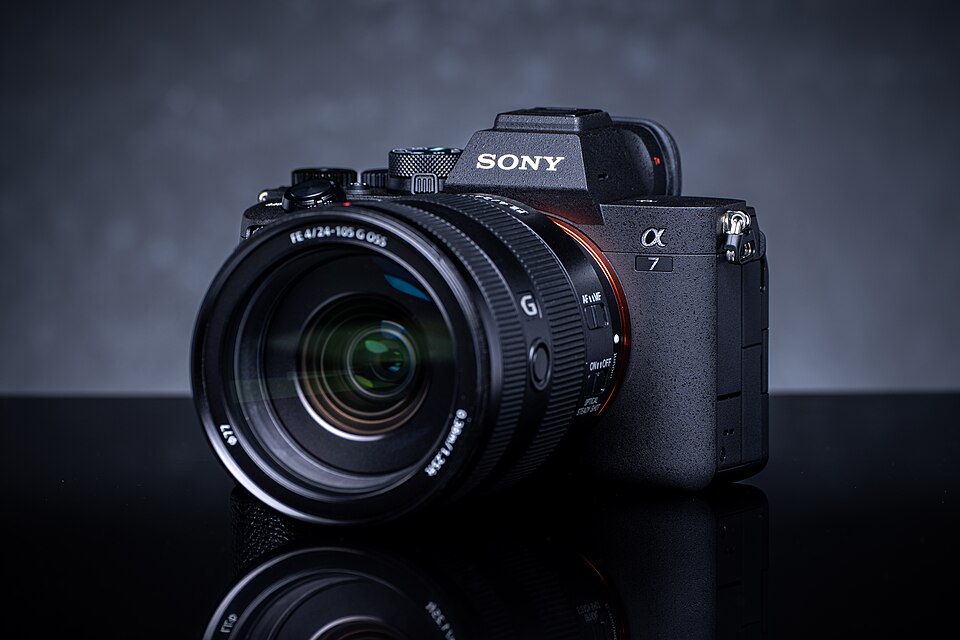
For creators who want a fuller upgrade path.View on Amazon Paid affiliate link • No live price shownThe Sony Alpha 7 IV offers a 33MP full-frame sensor, 4K video, reliable Eye AF, and an articulating monitor. Great for creators who also need photos and business video—but not necessary for your first episode.
Explore focused articles that link together. Each one solves a different part of the podcast-startup puzzle.

Start a podcast with no money using your phone, free recording and editing tools, and free publishing options. A realistic $0 beginner workflow.
Explore guide
Record, edit and publish a YouTube video podcast with your phone or camera, strong audio, thumbnails and reusable clips.
Explore guide
A practical look at podcast earnings: affiliates, sponsors, services, memberships and products, with honest expectations for beginners.
Explore guide
Plan a podcast as a small business, from your audience and format to monetization, brand protection, expenses and simple systems.
Explore guideRecord, edit, export and publish your first podcast from an iPhone without buying a microphone or computer.
Explore guide
Understand USB and XLR podcast microphones, choose the right recording pattern, and compare beginner and premium options.
Explore guide
A no-fluff podcast equipment checklist covering microphones, headphones, cameras, lighting, recording interfaces and accessories.
Explore guide
Compare podcast bundles with separate gear purchases. Learn which accessories matter and how to avoid mismatched microphones and interfaces.
Explore guideRealistic podcast studio setup advice: microphones, camera framing, background design, acoustic treatment, lighting and furniture.
Explore guideCompare podcast cameras for beginners and serious creators, including Sony A7 IV features, lens needs, audio workflow and simpler video options.
Explore guideA simple printable-to-text checklist covering your idea, microphone, recording, editing and launch steps.
Immediate download • No signup form that fails to deliverBuild a group of linked articles around beginner questions. Recommend only relevant equipment and apply for hosting affiliates when ready. Skip display ads until traffic makes them worthwhile.
You've seen the beginner guides, camera recommendations, and Amazon equipment links. Now watch real podcasters in action. Each original YouTube embed is set to play a short 15-second excerpt, with a lesson you can apply to your own show.
Notice how a natural greeting and a relaxed table arrangement make the guest feel part of the conversation.
Watch original episode on YouTubeListen to the beginnings of a show that grew over years. A clear purpose and regular, meaningful conversations come first.
Watch original episode on YouTubeA well-researched question invites a thoughtful answer. You can use the same technique with guests in any niche.
Watch original episode on YouTubePersonal stories create emotional connection. Notice how an open-ended question can carry the conversation.
Watch original episode on YouTubeA strong host personality and recurring segment format make a show recognizable before viewers even read the title.
Watch original episode on YouTubeA consistent setting and patient long-form questioning can support memorable guest stories.
Watch original episode on YouTubeTake what you noticed about microphones, lighting and interviewing, then try a first recording.